No More Room in Hell 2 Patch Notes Tracker
A practical checklist for post-launch hotfixes and balance changes.
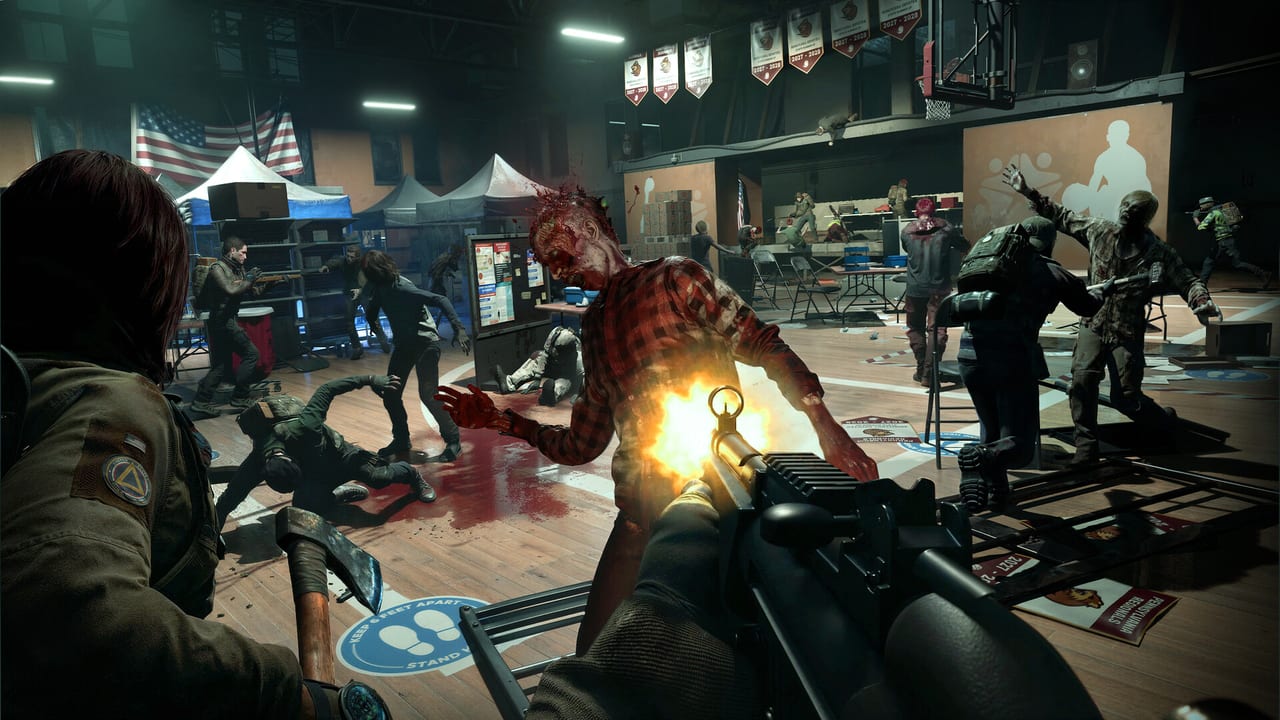
Patch notes are survival gear in No More Room in Hell 2. Because Responders can die permanently, an unnoticed change to ammo scarcity, scream behavior, skill scalars, or map scripting is not trivia—it is a wipe condition. Even a “technical only” hotfix can reset keybinds or move your matchmaking region. This page teaches a repeatable tracking habit for the post-Armageddon era instead of pasting a temporary changelog that will be outdated next week.
Where to watch for official notes
Use primary sources first:
- Official notes hub: nmrih2.com Armageddon 1.0 notes
- Launch-week support: nmrih2.com Launch Week Known Issues
- Steam news hub for the game
- Epic Games Store patch / news entries when you own there
- PlayStation and Xbox store update text on consoles
- Torn Banner Studios social and official site posts
Launch week support (13 August 2026)
Before the numbered hotfix, Torn Banner posted a support bridge covering live ops that still matter:
- Oceanic Australia server region plus matchmaking tuning — see Launch Week Support
- Loadout shop corrections (Long Pipe and Hockey Stick cheaper; Satchel 450 → 1500; Baseball Bat / Tree Trimmer / Rochester 1873 availability fixes)
- Steam Deck remains Playable; Steam Machine is Verified
- Roadmap for Hotfix #2 (week of August 24): Normal respawn messaging, extra Normal extract respawns, sensitivity caps, memory/crash work, Solo Beginner air drops, PS5 texture gaps, and more
Treat that Hotfix #2 list as planned until a live note confirms which bullets shipped. Full tracker: Hotfix 2 Roadmap.
Armageddon 1.0 baseline (11 August 2026)
Treat this as the live contract until a dated hotfix replaces a line:
- Survival: loot, then five-minute speaker waves, supply drops, extract after three wins; early extract after two failed waves. Maps: Flooded, Lighthouse, Night of the Living Dead.
- New Objective map: Raven Rock. Returning Objective maps received individual passes (Pottsville radio tune, Lewiston powered gates, Hospital node beeps, Broadway diner shortcut, Power Plant bio-scanner opener removed).
- Solo Mode: no progression, no permadeath. Tutorial with Responder Doug plus Training Range fixes.
- Rescue Beacon, Merits, four weekly assignments (reset Tuesday), platform achievements, Wright voice set, compass/flashlight cosmetics.
- Difficulty rename: Casual→Beginner (timed respawn, −30% zombie HP), Classic→Normal (objective respawns, 125% character XP). Hard 150/200/150 and Nightmare 200/300/200 for account / character / credit multipliers.
- Melee rebalance across the pool; shove cost 25→15; new reload skills; Guts, Teddy Bear, and Averaging removed.
- QoL: Unstuck (auto on fall-through; manual 30s still), Reconnect on load crash, DLSS 4.5, player mute, 5.1 audio.
- Known issues at launch included pickup-use delay, a rare ADS-empty lock cleared by a grab, and Solo Beginner supply drops missing on PS5/Xbox. Re-check official notes before you assume those still exist.
Hotfix 1.0.3.1 / console update 1.005 (mid-August 2026)
The first post-launch stability train is documented in full on Hotfix 1.0.3.1. Headline items to re-check in your own client:
- Customization crash fixes (heavy cosmetic loadouts, fast menu exits)
- Wrong cosmetic pattern displays
- Early Access leftover save data that could force the wrong controller scheme
- Keybind reset as part of that save cleanup — rebuild binds in Controls
- Server stability improvements
- New Hong Kong matchmaking region for players who saw higher ping than expected
No new map or advertised balance rewrite shipped in that numbered hotfix. Still run the routine below before you pretend nothing changed.
Secondary videos and Discord summaries are useful after you skim the official list. Do not trust a random screenshot of “secret buffs” when your main Responder’s life is on the line.
When an update downloads, read the note before you queue Hard with friends who have not updated yet. Mixed client versions are a classic “why can’t we party?” evening.
What to re-check after every meaningful patch
Skills and builds
If notes mention combat, mobility, economy, or Responder systems, re-open your skill loadout. A previously strong node may be weaker, gated differently, or newly essential. Test changes on a safer difficulty before staking a prized character. Cross-check with How to Unlock Skills if the UI labels shifted.
Maps and objectives
Map fixes can move interactables, repair broken extraction triggers, retune spawn brushes, or change lighting that used to hide crawlers. After map notes, run one learning deploy—solo practice if you only need layout refresh, or a low-risk online lobby if you need multiplayer scripting. Update your squad’s callouts; old nicknames for rooms become liabilities when paths change.
Survival and difficulty
Wave timing, speaker health, trap effectiveness, and difficulty ammo rules are frequent candidates for post-launch tuning. If Survival is named in the notes, assume your last clear time is obsolete until proven otherwise.
Stability, EAC, and platform glue
Crash fixes, Easy Anti-Cheat updates, and cross-play party improvements matter even when they are not “balance.” A patch that “only” fixes matchmaking can still change who appears in your lobby and how long you wait.
A 15-minute post-patch routine
- Read the official note end to end once.
- Highlight anything touching skills, maps, Survival, infection, or extraction.
- Boot the game and verify your keybinds still match muscle memory.
- Inspect your main Responder’s skills and inventory rules.
- Play one controlled match before public Nightmare heroics.
- Tell your squad what changed in one short paragraph—not a novel.
How this wiki should be used with patches
Start from the Armageddon Update baseline, then return here for process. For mechanical refreshers after a patch week, jump back into the Guides Hub and re-open the specific pages your note touched—extraction, infection, Survival, or maps.
Avoid two failure modes:
- Patch FOMO: queuing the hardest content the minute the download ends.
- Patch denial: pretending notes do not apply because your old route “still feels fine.”
Feelings are not telemetry. One clean practice match is cheaper than a deleted Responder.
Recording your own squad notes
Keep a shared doc with date, build/platform, and three bullets: buffs, nerfs, map gotchas. When someone missed the update, paste those bullets instead of arguing mid-mission. Good information hygiene is part of co-op skill.
As Torn Banner continues post-1.0 support, this page remains the method. Exact bullet lists belong in dated news posts; your job as a Responder is to translate those bullets into safer deployments.
If notes are vague—“general stability improvements”—still run the routine. Stability patches can alter hitching patterns that used to hide behind settings excuses. If notes are dense, split the work: one player owns skills, one owns maps, one owns Survival, then reconvene for sixty seconds before ready-up. That division of labor scales better than eight people half-reading the same Steam post. When a patch coincides with a sale influx, expect more new players in public lobbies and lower your default difficulty for a night even if the note itself looks minor.
Frequently Asked Questions
Quick answers for Responders preparing for the next deployment.
Where are the real patch notes?
Use Steam, Epic, PlayStation, Xbox, and Torn Banner official channels first. Treat community summaries as secondary.
What should I test after a balance patch?
Your Responder skills, map routes you rely on, and one controlled match before high-permadeath queues.
Do hotfixes matter on console?
Yes. Console patches can change the same systems and also affect cross-play party behavior with PC friends.
Should I play Nightmare right after updating?
Not until you verify skills and routes. A short practice deploy is cheaper than losing a main.
How does this relate to Armageddon?
Armageddon is the 1.0 baseline. Hotfix 1.0.3.1 is the first dated stability train. Patch Notes is the ongoing habit for everything that ships afterward.
Did hotfix 1.0.3.1 reset my keybinds?
Yes for many players. The save cleanup that fixed Early Access controller schemes resets binds — re-check Controls before Hard queues.